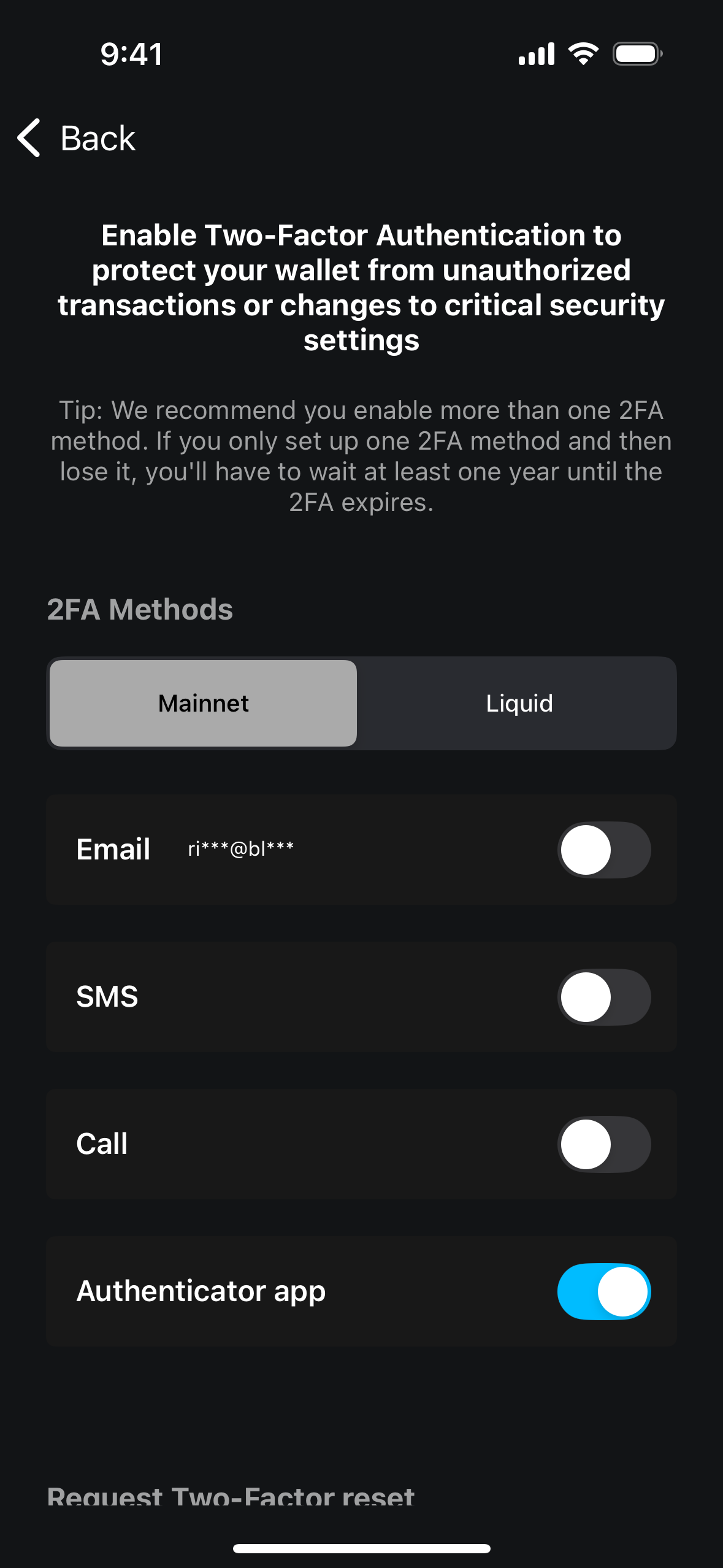
Within your wallet settings, you can manage the two-factor authentication (2FA) method required to send funds from a 2FA-protected account. You can enable, disable, or add additional 2FA methods. We recommend setting up multiple 2FA options in case you lose access to one.
Note: As of May 2025, new 2FA-protected accounts can no longer be enabled. This functionality is only available to users who had already activated this account type previously.
Update 2FA Method
-
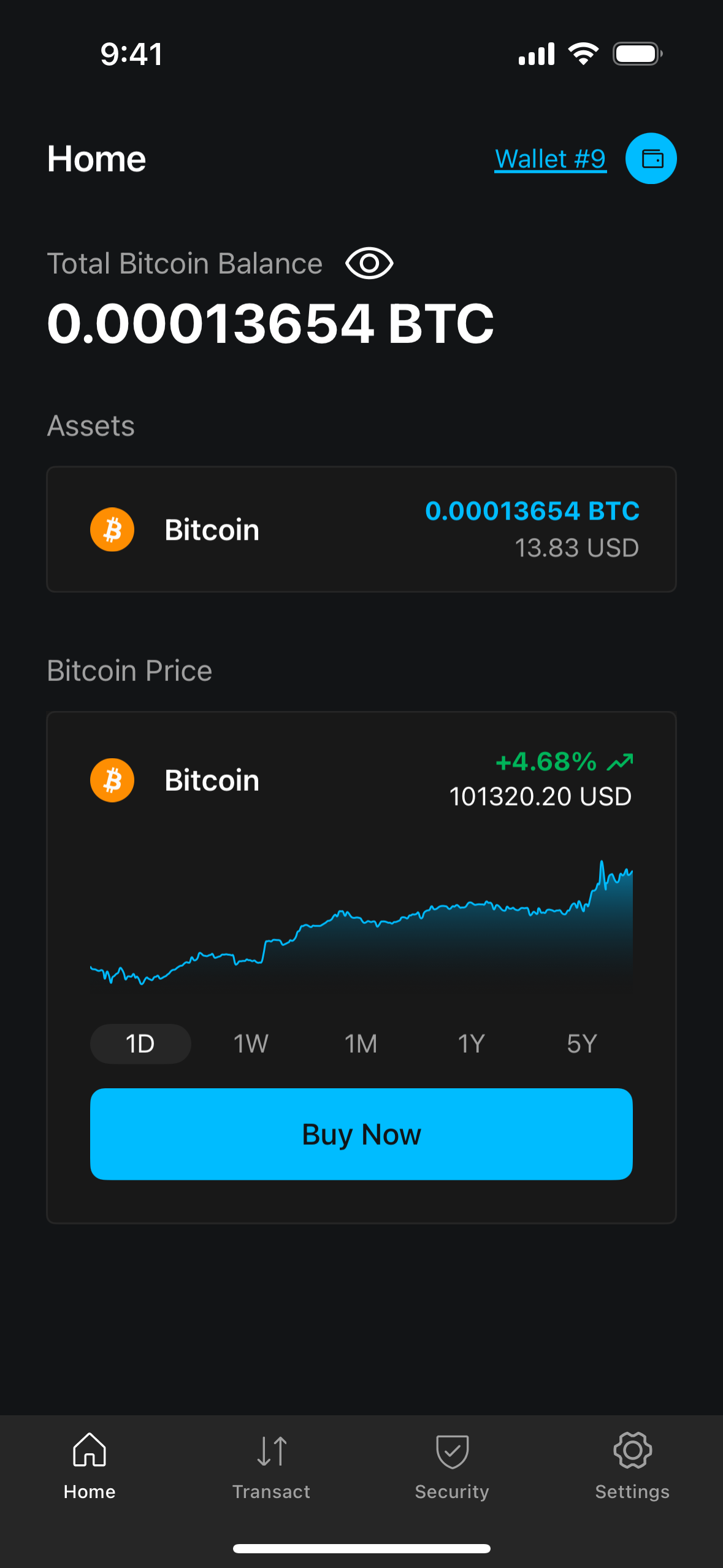
Log in to your wallet in the Blockstream app and tap Settings.
-
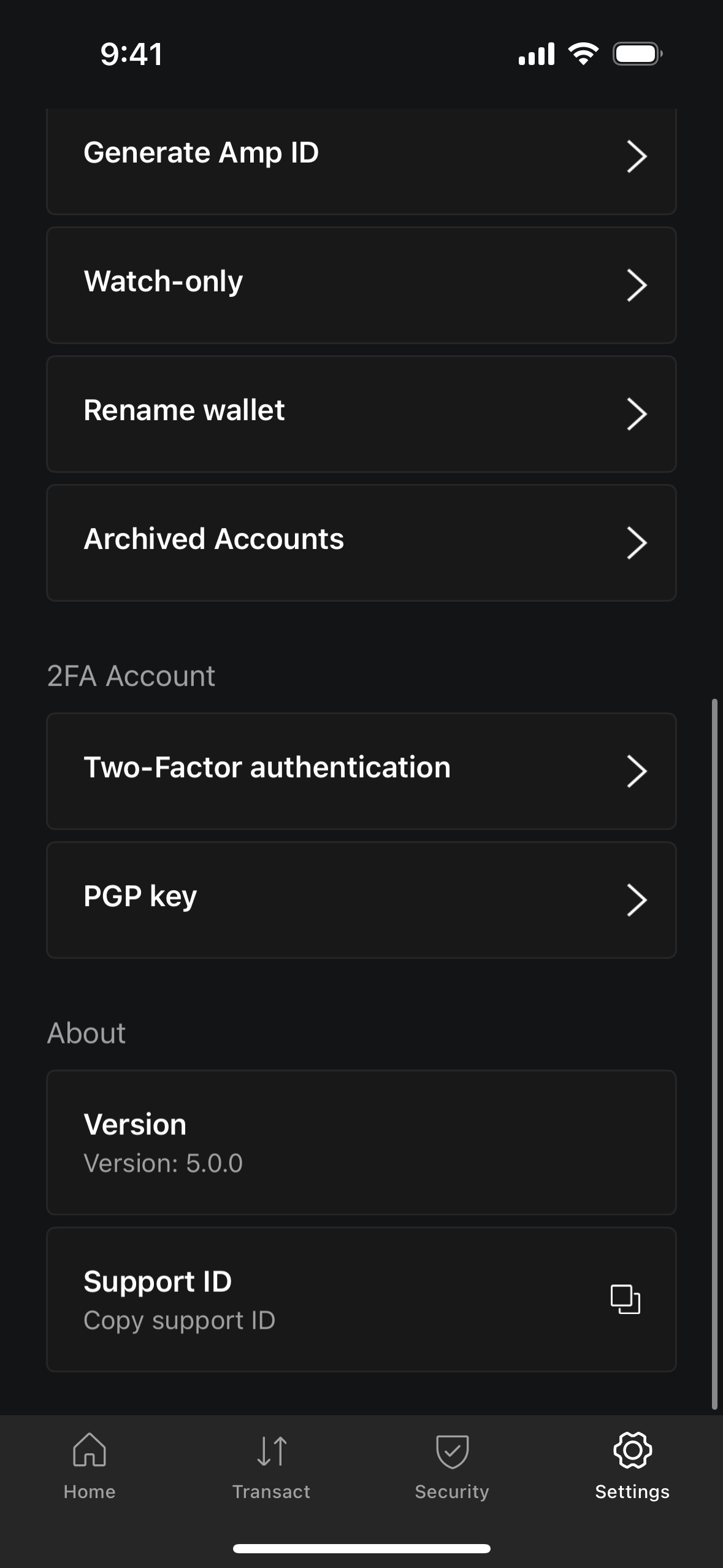
Select Two-Factor Authentication from the list.
-
Tap the toggle next to the 2FA method you want to enable or disable. If the toggle is off, tapping it will enable the method; if it is on, tapping it will disable it. The app will prompt you to enter a code to confirm the change.